Opus vs r/AskElectronics: 1-0 for the humans
I spent a day taking orders from a frontier LLM to debug a thermal problem on my eNSPanel PCB. Then a stranger on Reddit fixed it with one question.
Building software that matters.

ls blog/cat latest.mdtheme lightwhoami I'm a senior backend developer at D-EDGE and an entrepreneur. I specialize in TypeScript and Node.js, building efficient, scalable solutions with a rational approach to problem-solving.
My journey started at 15 with C, moved to PHP at 17, and in 2008 I co-founded Androidiani.com with Sebastiano Montino — Italy's leading Android community with 600k+ registered users, which we ran until its closure in December 2025.
Beyond software, I'm passionate about bridging the digital and physical worlds. I spend my free time 3D printing, designing PCBs, and building hardware projects that bring code to life.
Android form edit text is an extension of EditText that brings data validation facilities to the edittext.
Zehnder Comfoair integration for ESP32 devices
MySQL dump file splitter optimized for speed and memory efficiency
A TypeScript porting of the great S2 Geometry library from Google
Voltage-glitching experiments on the LPC1768 Cortex-M3, a hardware fault-injection test bed.
Node.JS bigint swissknife with math utils, buffer conversion, and more

I spent a day taking orders from a frontier LLM to debug a thermal problem on my eNSPanel PCB. Then a stranger on Reddit fixed it with one question.
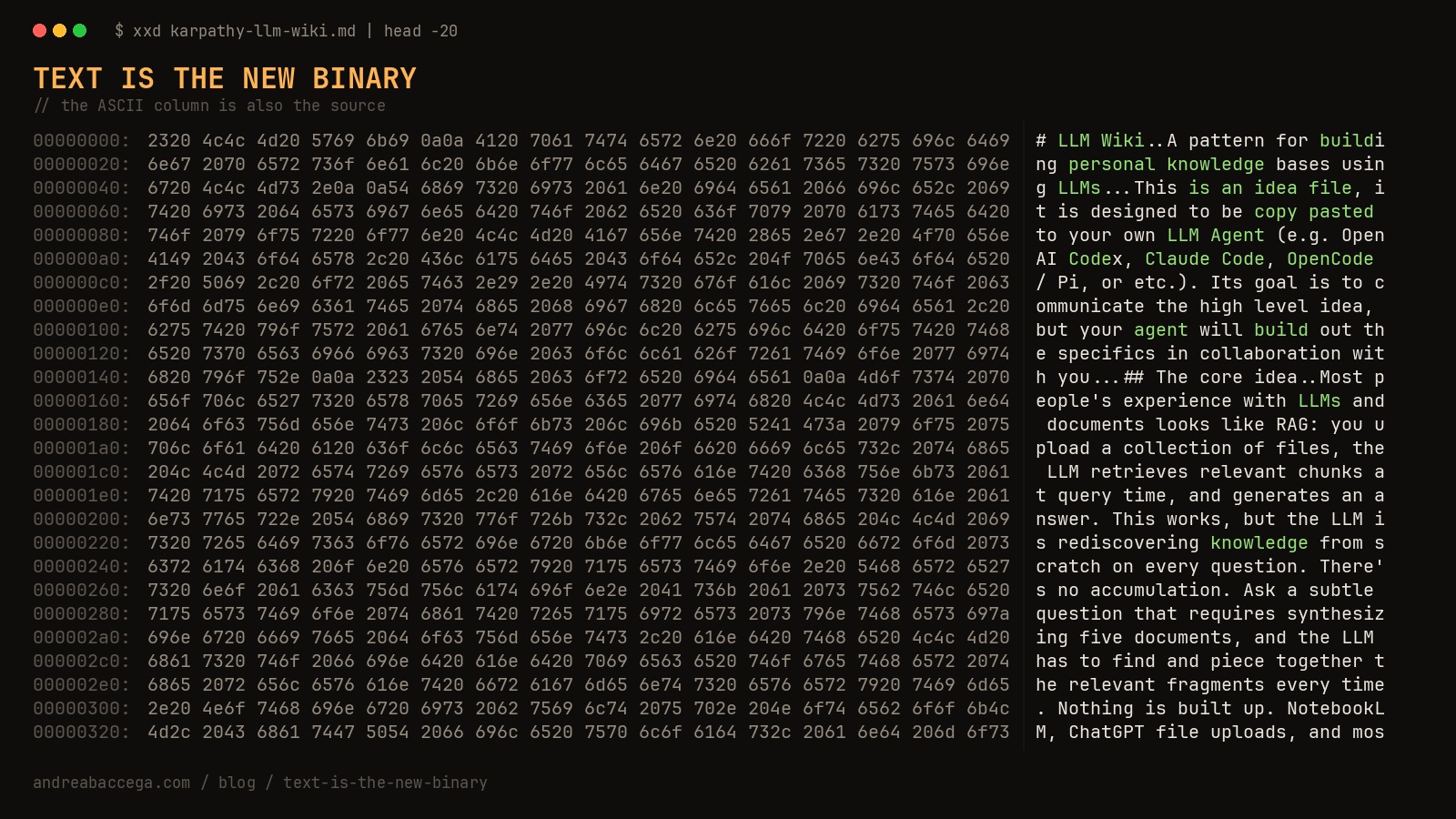
Software increasingly ships as prose meant to be interpreted by someone else's LLM. From Karpathy's wiki gist to gh skill install, even installation is now a paragraph. The same critique that pushes Karpathy beyond RAG hints at where the dust will eventually settle.

From QWERTY's historical accident to the Temper split keyboard — my journey into ergonomic typing, the surprising history of keyboard layouts, and a practical guide to making the switch.